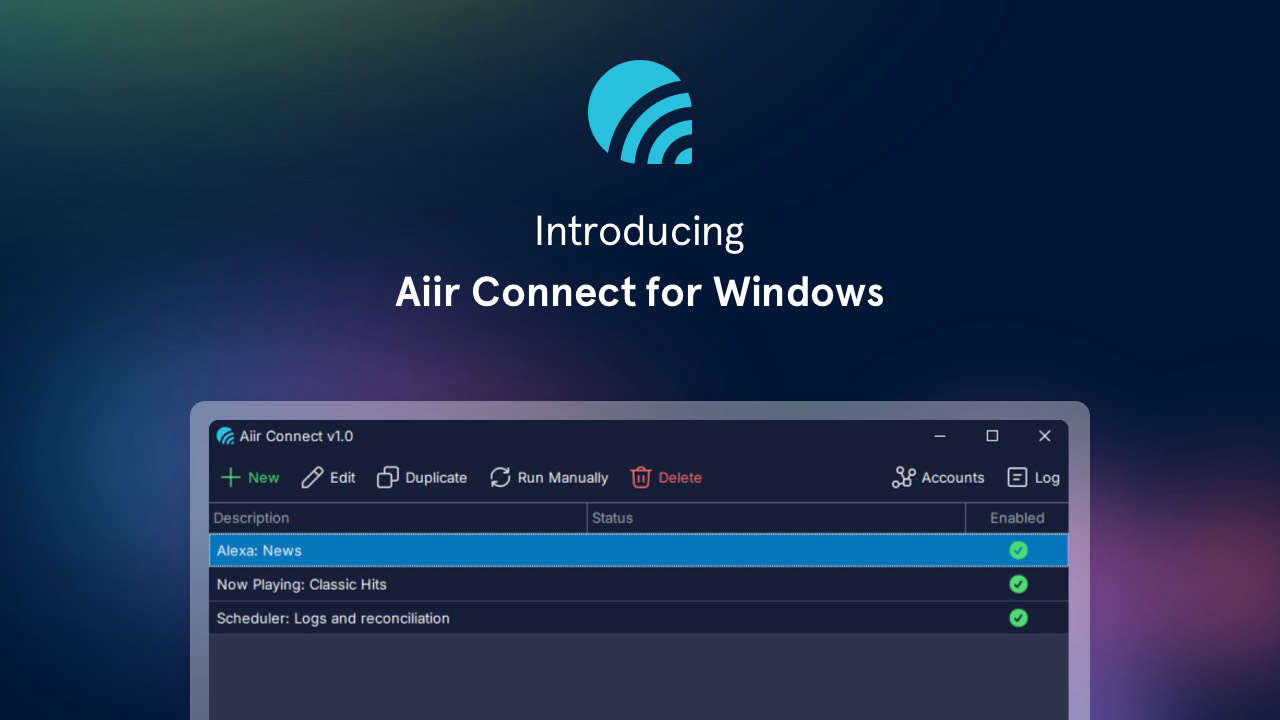
We’ve released a new free app for Windows that can help integrate more from your existing Aiir account into your station’s workflows.
It’s called Aiir Connect, and it provides an easy way to:
- Download logs from Scheduler and reconcile
- Provide audio to intents on Alexa Skills
- Update your Now Playing
It’s a small but powerful app for some specific circumstances. Let’s look at those in more detail:
Scheduler
Right now, Scheduler users can sync their logs with PlayoutONE Pro via Auto Importer.
For other automation systems, you have to download them manually or sync them via Dropbox. Instead, Aiir Connect lets you set a folder and any logs exported will be automatically downloaded. No need to set up any third-party accounts or services!
It also allows you to send reconciliation files back to Aiir Scheduler for processing. Just set your automation system to export those to a specific folder and we’ll take care of the rest.
Alexa Skills
If you have an Alexa Skill from Aiir, you can set up custom intents that can play back audio. It’s great for enabling things like “Alexa, ask Station FM for the latest news”.
And to keep that up to date, Aiir Connect can upload a local file on a schedule of your choosing.
This was previously part of the ‘Aiir Alexa Audio Uploader’, or A3U. All the same functionality is there, but we’ve given it a refresh to make it easier to use.
Now Playing
The best way to send Aiir information about what’s playing now on your station is directly from the automation system. This allows it to show up on your website, mobile app, live player, and Alexa Skill. We’ve got dedicated integrations with the leading providers to make it as easy as possible.
But there are some automation systems that can’t push that directly to us over HTTP — and instead just export a static text (.txt) file.
To send that to Aiir, you’d need to set up an FTP connection and that can be complicated. So now, Aiir Connect provides an easy way to monitor a text file on your local network, it’ll help split up the Artist and Title, and sends them to the Aiir CMS.
It’s a great collection of helpful little functions that may just help things run smoother for you.
To find out more about Aiir Connect, how it works and how to download it, visit its dedicated page on the Aiir Support docs & guides site.