
A major goal for our web-based music scheduler for radio is to save you time - so what if scheduling took none of your time at all?
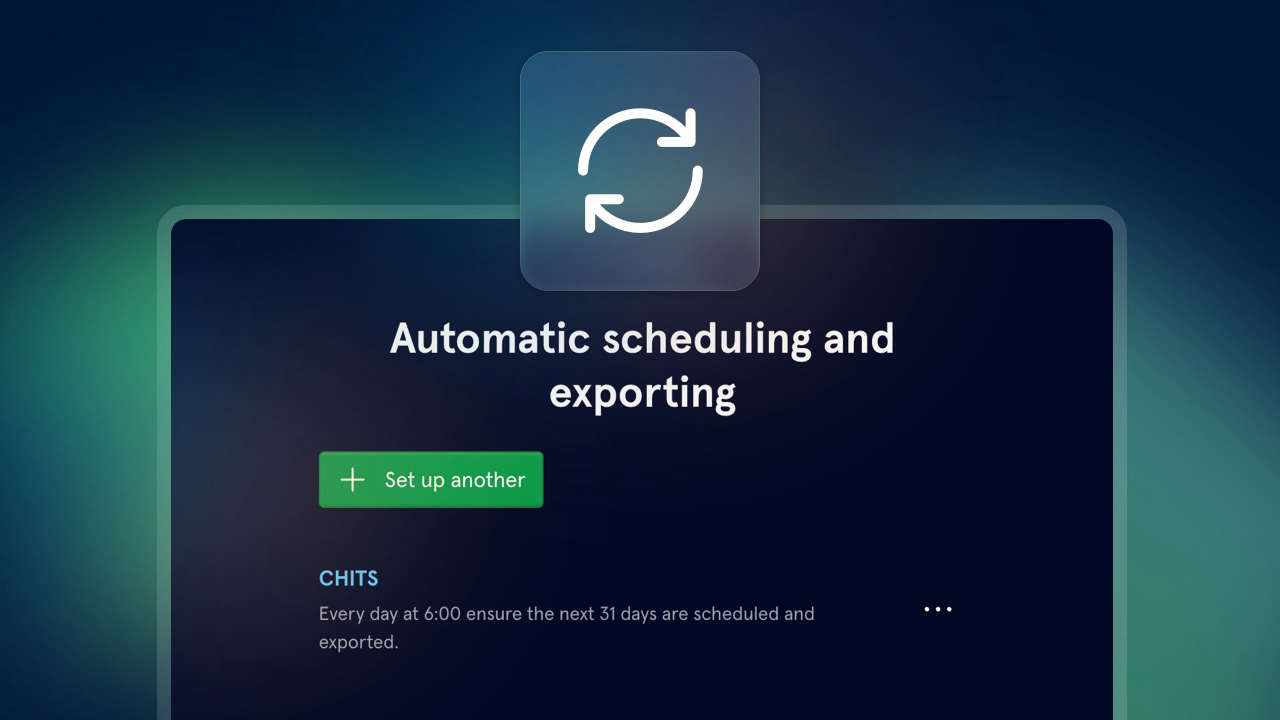
Today we’re launching a new option for automatic scheduling and exporting. You’ll be able to set up multiple tasks, per library, to take place at regular intervals.
It’s perfect for...
- Getting a provisional schedule in place, ready for you to adjust and make tweaks
- Running a full jukebox station if you're happy to be a bit more hands-off on a daily basis
- Repeatable logs for satellite-delivered content, getting the right commands in but with some nice rotations around them
It also works great as an emergency fallback: automatically schedule any missing positions for the next day, and any hours changed will be exported. No need to panic in case of illness or unforeseen circumstances!
Here's how it works:
Head to the Settings page in a Scheduler library. Near the bottom, you'll see "Manage automatic scheduling and exporting".
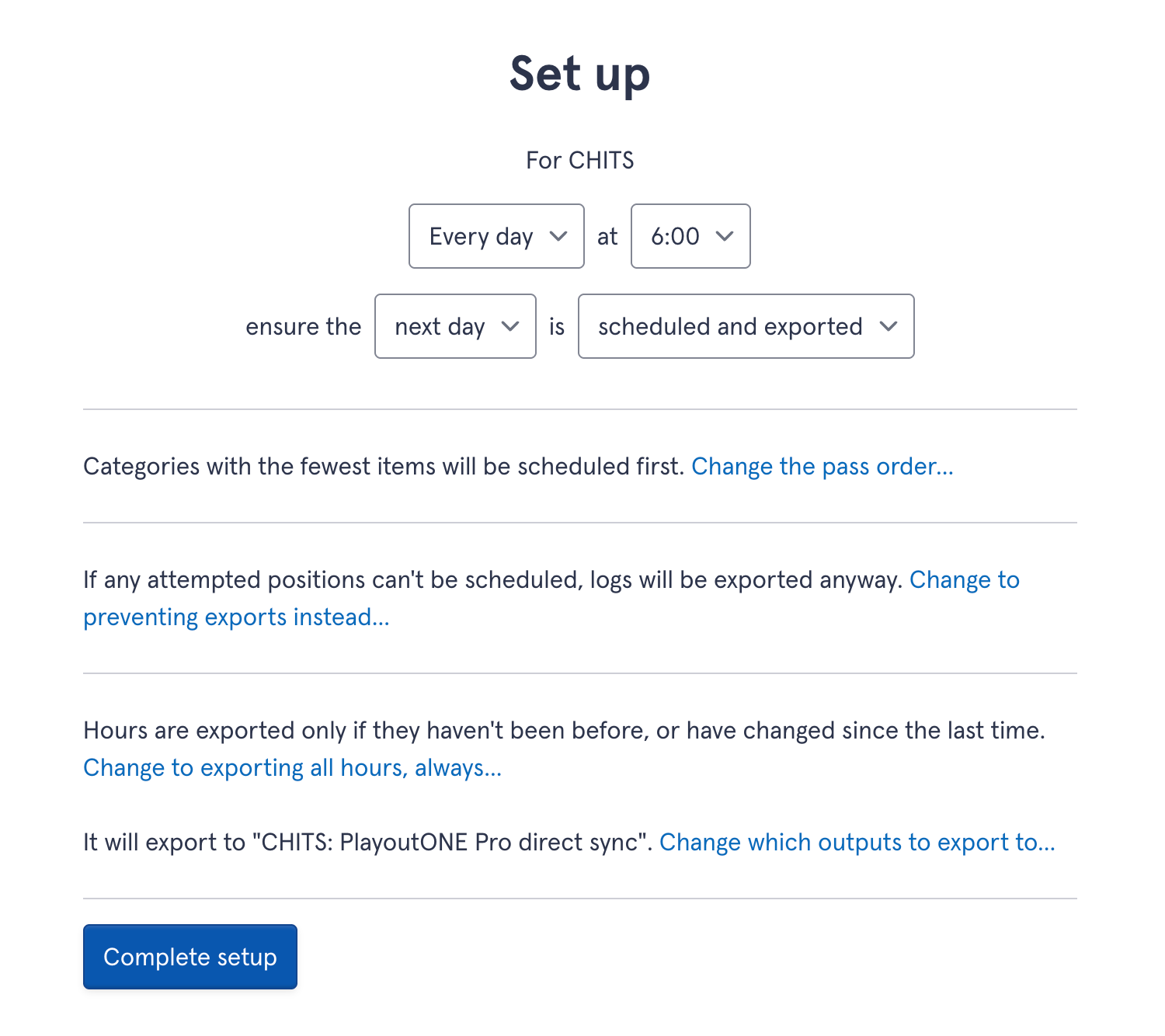
Choose which station you'd like to apply to, and whether you'd like to schedule, export, or both. You can choose which days of the week to run this on, and what time of day for it to run.
Scheduling
It's up to you how many days you ensure are scheduled. We've got handy presets for common scenarios, but if you'd like to dive into it deeper, you can choose how many days, and how far in the future those days should be counted from, relative from when it's happening. So you can set it to run every Friday, to ensure the next Monday to Sunday are scheduled.
By default, it'll schedule the entire day - but you can set it to schedule a specific subset of hours. If you only need 12-4pm to be run automatically, simple.
Like with scheduling at any other time, you can choose the pass order. That could be a saved one from your library, or one specific to this setup.
Exporting
Your scheduled logs can be automatically exported via direct sync for PlayoutONE Pro, downloaded to our desktop-assistant app Aiir Connect, or uploaded to a connected Dropbox account.
If you've set up both scheduling and exporting, we'll export those hours - otherwise it's up to you which hours will get exported.
You can choose whether you'd like all hours covered to be exported, or set it to only export any hours that haven't been already (or changed since their last export!) - perfect if you want to ensure you don't overwrite changes already made in your automation system!
You can do this more than once per station - so if you'd prefer to split up scheduling and exporting to different days of the week, or use them in different ways, that's all up to you.
And you can get an alert each time it runs - on the list of automatic tasks, press the three dot menu and select 'Notify me when done'. You'll get a message within your Aiir account when it's complete.
Automatic scheduling and exporting is available now for all users of Aiir Scheduler. You can try it now with our 14-day free trial, with no card details required. If you'd like to continue after that, it's just $60/£40 per station. You can even import your existing data to get started in no time. Find out more on the Scheduler section of our website, or watch our video tour.