Hey, who turned out the lights?
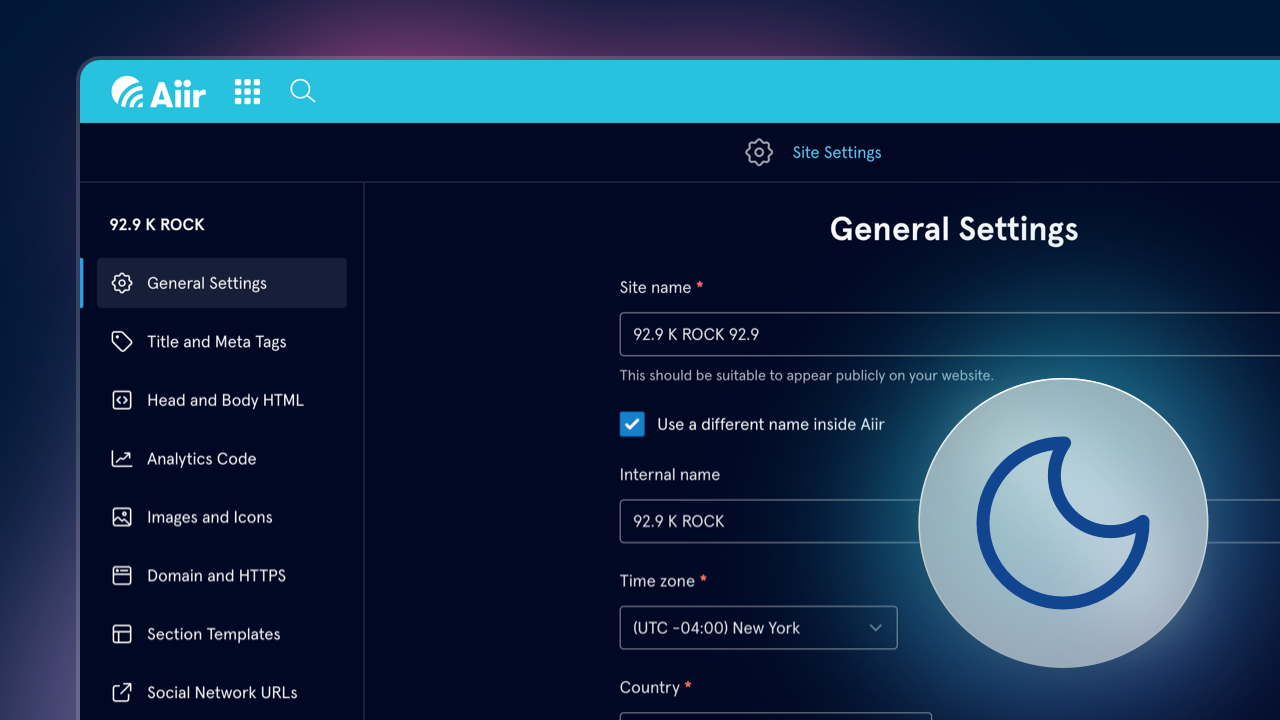
We're delighted to announce that you can now use the entire Aiir platform in a brand-new look.
To set this, tap your name and avatar in the top bar and go to Appearance. There you'll find a new option for Color Scheme (or Colour Scheme, depending on your language setting - which you'll now find on the same screen!).
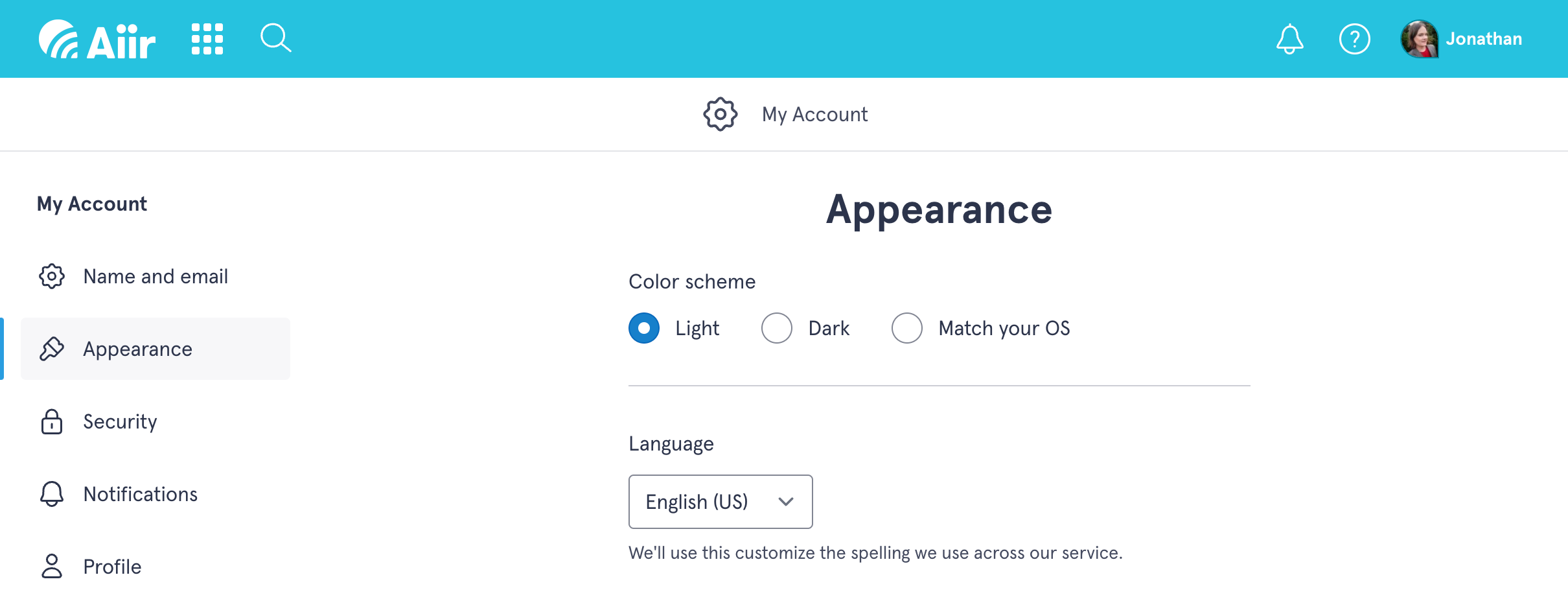
You can choose between:
- Light (the current, familiar look)
- Dark
- Match your OS: This means whatever preference your device has, we'll match it. This is particularly useful if you have different options set on different machines.
These options are specific to your own account - so everyone across an organization can have things set up however best works for them.
For existing users, you'll be set to 'light' by default, so there's no unfamiliar shock when you next log in. For new users, we'll set it to match your device preference. You can change your own preference at any time and see what suits you best.
Previously, we only offered a dark mode option within Studio Inbox, where individual workspaces had a light/dark setting, shared between users.
Right now, if you have Dark Mode set for your Aiir account, this will override showing the light option for any Studio Inbox dashboard. In the future, we'll simplify this and remove the per-workspace option and rely exclusively on your user preference.
It's been a big undertaking to update our entire system for this, particularly as it covers so many tools across Websites, Mobile Apps, Alexa and more. So if you do spot something that feels a little tricky to use, just let us know on the usual support email address and we'll look into it.