We've made some improvements to uploading images to Media Manager for your website and mobile app.
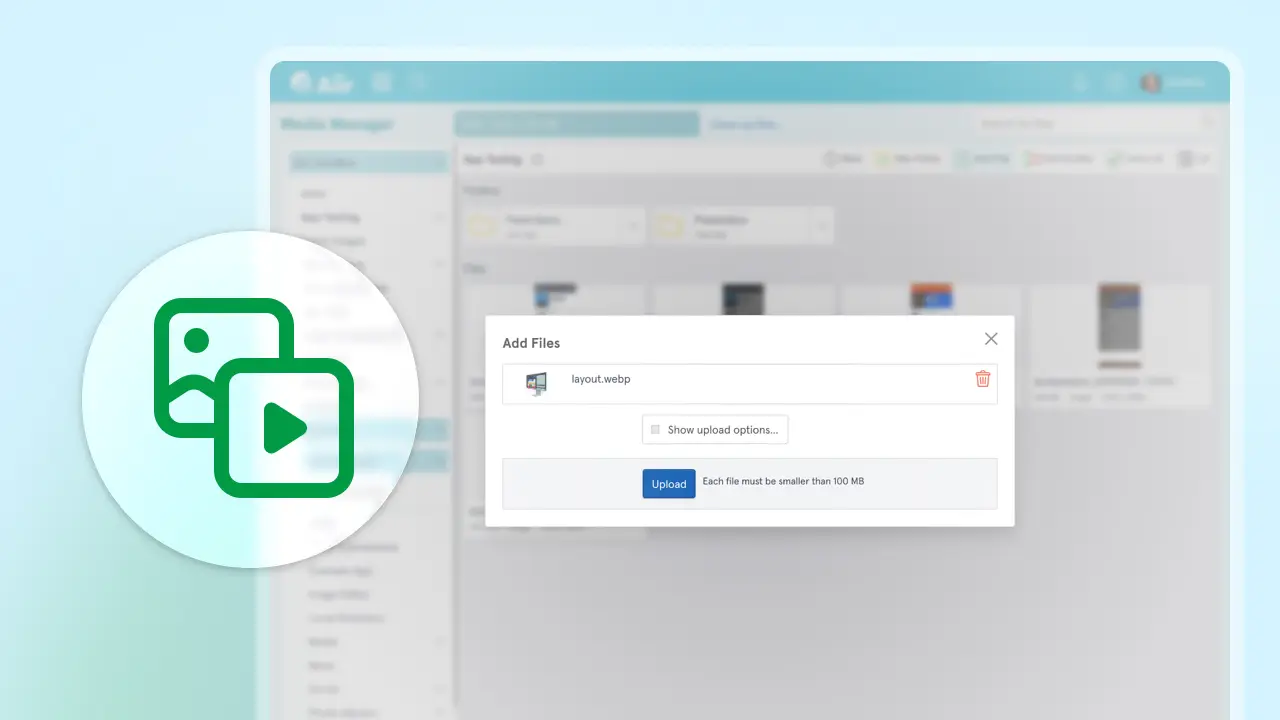
The big thing is we've made it a lot faster - processing large images takes less than a second and makes getting through large albums so much easier.
We've also made changes to how that processing works to ensure better-looking images across your sites.
Large images
Previously, images were resized down to a maximum of 1000 x 1000 pixels to ensure files aren't too large for users to download. You could opt-out of this whenever you upload an image, but we know this could catch people out, and various third-party services are increasingly preferring larger resolution images.
We've now increased the default to 2048 x 2048. And as before - if you really need to go bigger - you can still turn this off per-upload. But this should cover you for most scenarios!
Smarter compressed images
We'll still attempt to apply compression to images when they're uploaded - but now we'll only do this if it would make the image at least 10% smaller in file size.
This means that if you've already been crunching images down to get them using less bandwidth - our system won't recompress them and accidentally make it slightly larger and blurrier.
Rotation handling
Images that come straight from your phone could sometimes come out in the wrong orientation - so we've enhanced the checks to make sure your portrait images come out as portrait, as intended.
New file type support: WebP
And you can now upload images in WebP! Many image editors provide this as an option, and it's a really great way of reducing file sizes without sacrificing on quality compared to JPG. It can even handle transparency, so if you've got detailed transparent PNG files, it could help you optimize your main imagery.
These changes are live now. You can find out more in our guide to how we process uploaded files on our support site.