
Our web-based music scheduler for radio lets you create your perfect ruleset to ensure you get a good spread of songs across your station without sounding predictable - but sometimes you may want to give it an extra nudge.
Perhaps you've imported a block of items all at once, or some repetitive patterns are creeping in... well, that's where shuffling a category comes in. And now you can ensure this happens routinely, with our new automatic shuffling options.
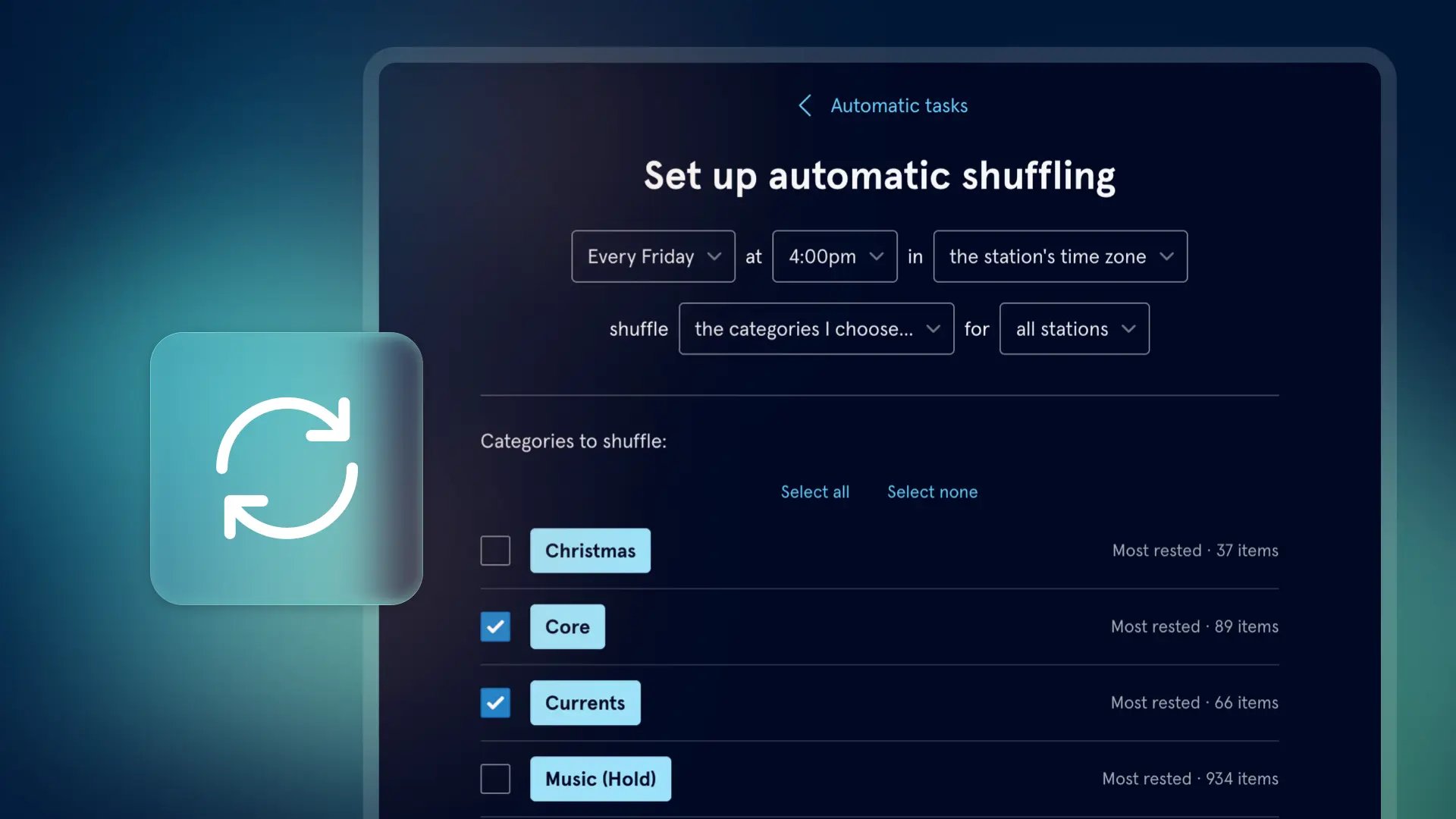
Set it up once, and at the interval you choose (weekly or monthly, with options for specific days), you can give your categories a little shake around and we'll randomly reorder them to keep your station sounding fresh. You can choose which categories it applies to, and if multiple stations are sharing the same library, which stations should be affected too.
You can access this via the categories section of your library - press the more menu on the index, where you'll find a few new options:
- Shuffle categories: allows you to do a one-off shuffle of multiple categories at once
- Manage automatic shuffling
- Delete empty categories
You can also set this up via your library's settings page, along with options for automatic scheduling and exporting.

